Pack the truck
Open Truck pack from a show's header and you get a top-down view of a vehicle you can load with your show's cases before anyone touches a dock.
Pick your vehicle
Start from a preset, a 53 foot trailer, a 26 or 16 foot box truck, a sprinter van, or a custom size, and adjust the interior dimensions and wheel wells to match your actual vehicle.
Fill it with cases
Cases can come from your org's saved case library, be added by hand, or, if your org connects ShowKeep, be pulled straight from your job's inventory. See Your ShowKeep cases become ShowPlot's truck pack for how that connection works.
Auto-pack, then adjust
Auto pack places the heaviest and biggest cases first, keeps a clean strap line every six feet, and only stacks cases when the floor runs out of room. From there you can drag and rotate cases by hand to fine-tune the layout, add load bars where you actually plan to put them, and lock any placement you don't want auto-pack to touch again.
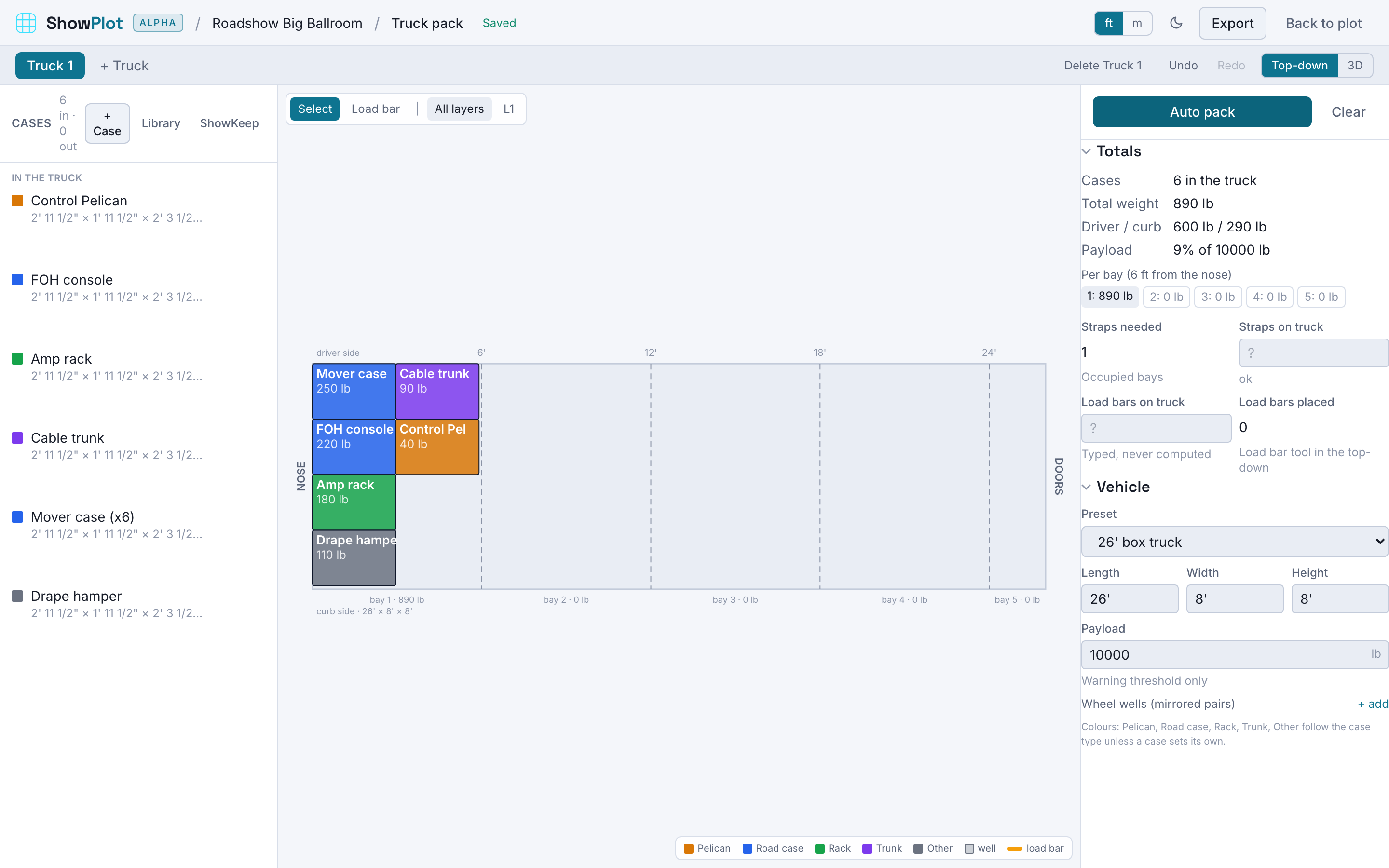
ShowPlot never calculates load bar counts or positions for you. Type how many you have and place them where they'll actually go, so the pack sheet matches the truck.
Print the pack sheet
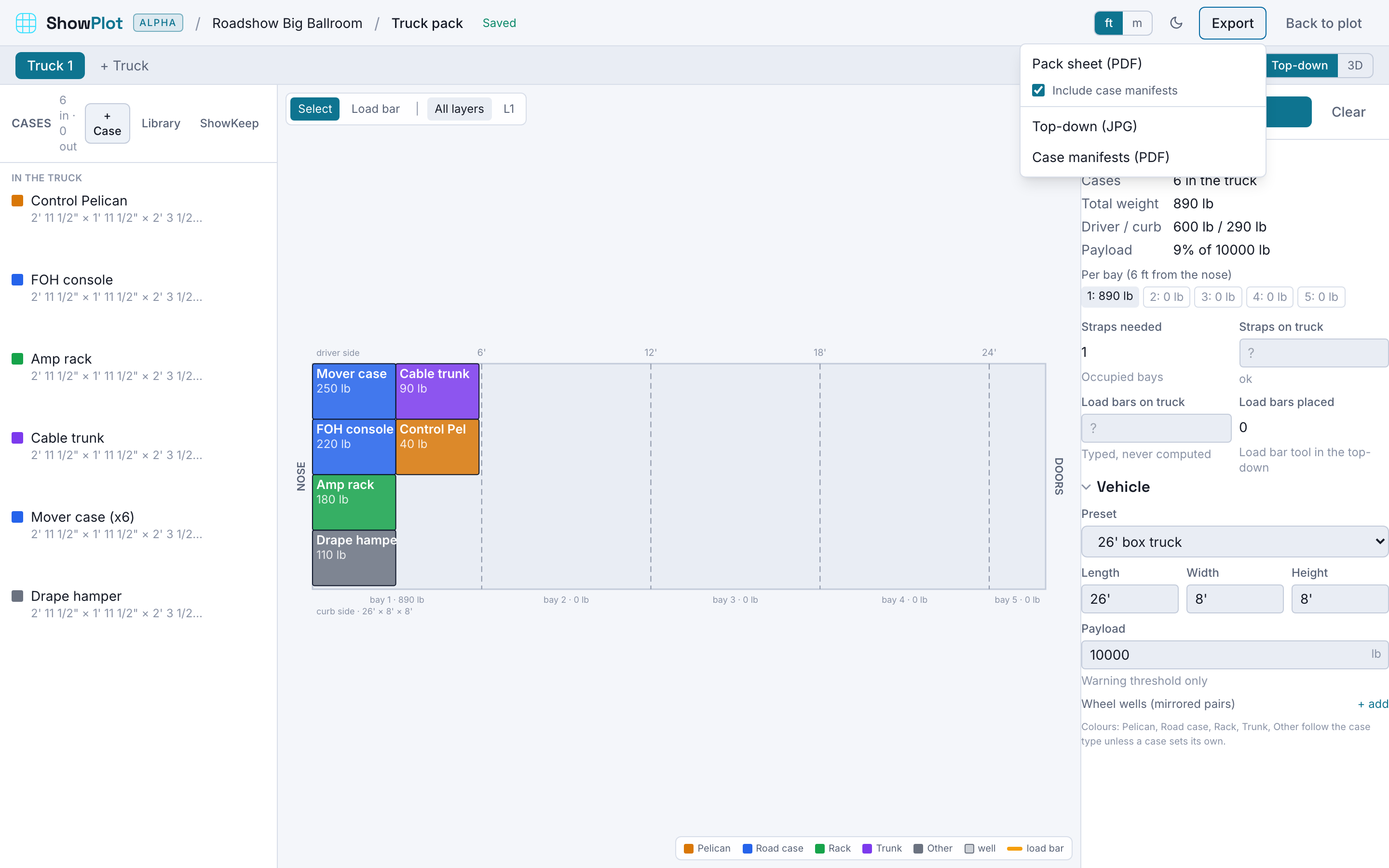
The pack sheet export gives your crew a top-down view, a front view down each strap line, a view per stacked layer, weight totals, and the case list, with manifests for each case's contents included. Follow the whole process, from cases to the loaded truck, in the load-out day workflow.