Build a video wall
ShowPlot builds a video wall from the same numbers your video vendor works from: the physical size of one panel and how many you're using.
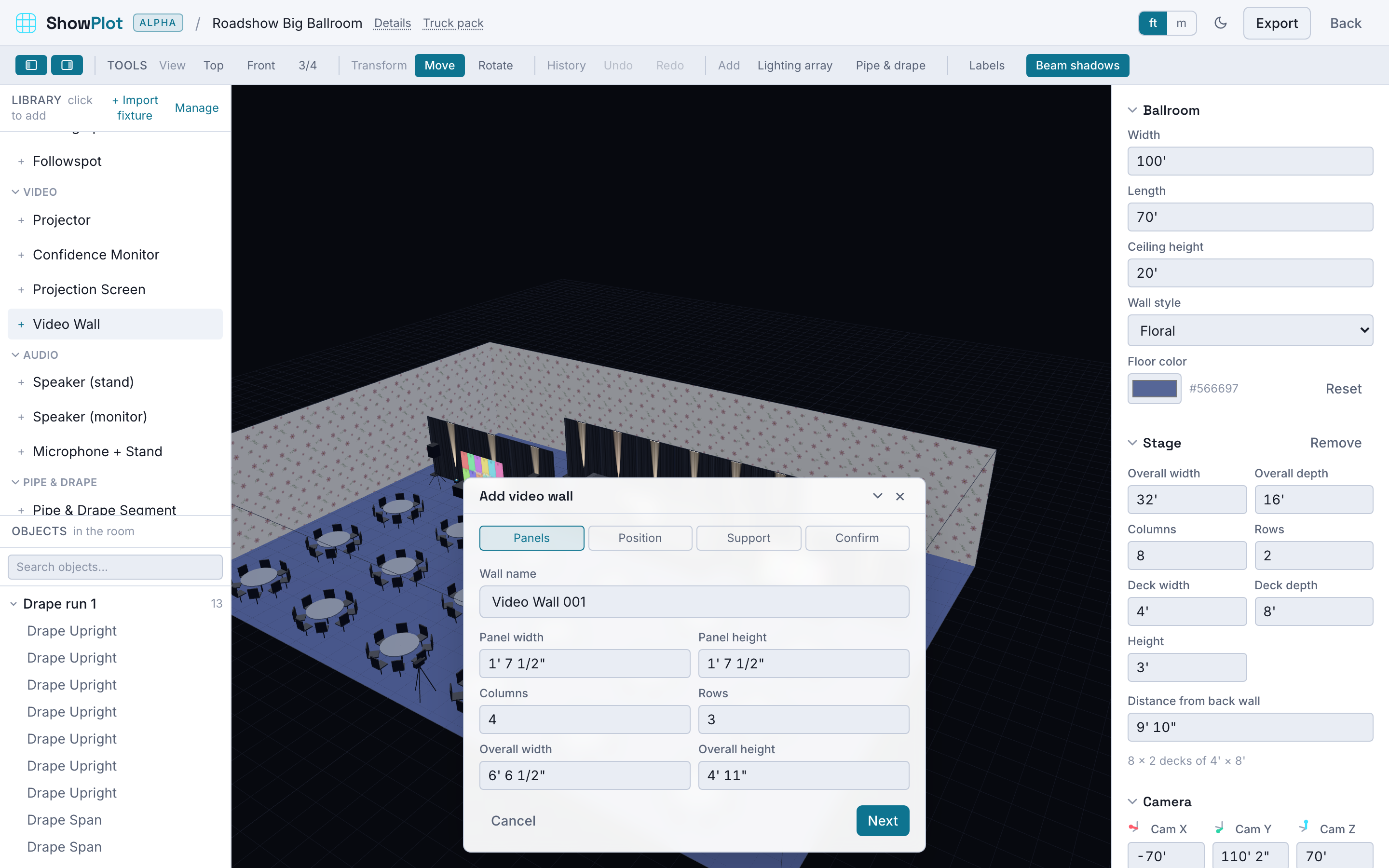
Set the panel grid
Enter one panel's width and height (straight off its spec sheet) and how many columns and rows make up the wall. Change the overall wall size instead and ShowPlot solves the panel count for you, and the other way around, so the grid always stays consistent whichever number you're working from.
Position it in the room
Pick an anchor point, a corner or the center of an edge, and set where that point sits in the room. The wall follows from there, facing the audience by default.
Choose how it's supported
A wall can be:
- Ground supported: set whether it's on casters, the caster size, and the base height off the floor.
- Rigged: set the drop from the rigging point, the rigging height, and how many points it hangs from and their spacing.
That choice, and the numbers behind it, are what your tech sheet's video wall page and your rigging plan draw from.
See it documented
Once a wall is built, the tech sheet export can include a dedicated panel map page for it alongside your plan and elevation views. See Exports: PDF, DXF, glTF, and tech sheets.