Manage clients
Clients in ShowBill are the contacts your invoices and estimates are billed to. Save one once, then pick it from a dropdown every time you bill that company again.
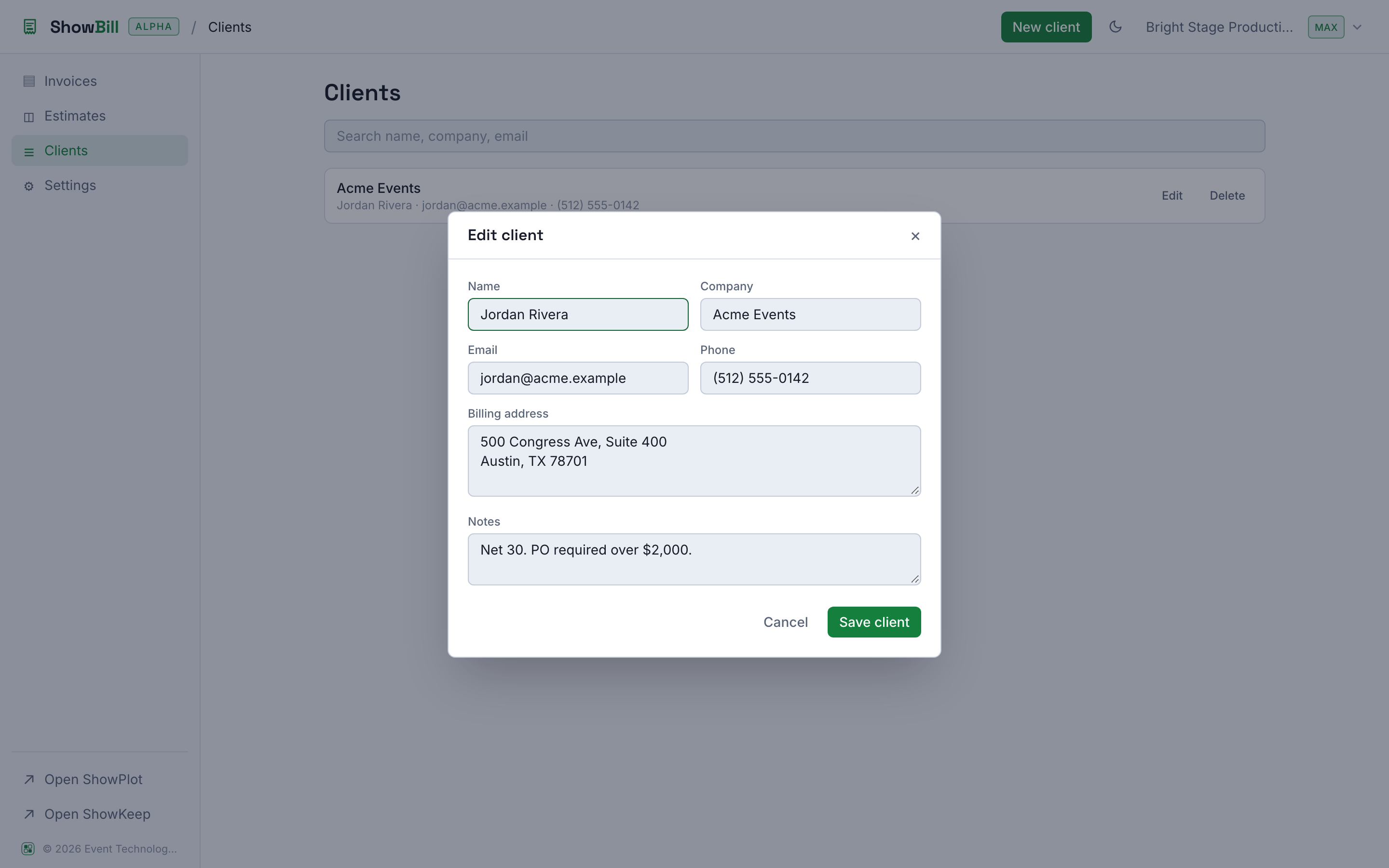
What a client record holds
| Field | Use |
|---|---|
| Name | The person you deal with |
| Company | Shown above the name on invoices when set |
| Where you would send the invoice | |
| Phone | Optional contact number |
| Billing address | Printed on the invoice PDF |
| Notes | Anything you want to remember, not shown to the client |
Add and edit clients
From Clients, select New client and fill in what you have. Only a name is required; everything else is optional and can be filled in later. Existing clients can be edited or deleted from the same list. Use the search box to find one by name, company, or email.
You can also add a client without leaving the invoice builder: the New button next to the client dropdown in the invoice editor saves a client on the fly and selects it.
Reuse across invoices
Once a client is saved, every new invoice or estimate for them starts with their name, company, and billing address already filled in on the PDF. You are not retyping an address every time you bill the same venue or production company.
Your invoicing defaults, such as your default payment terms, tax rate, and standard notes, live once in Settings and apply to every new document automatically. You only need to override them on the documents where something is different.
Deleting a client does not touch invoices you already sent. Past invoices keep their own copy of the client's details, so your records stay intact.