Sign in once, switch between apps
ShowSuite uses single sign-on. You sign in one time and every app knows who you are.
The app launcher
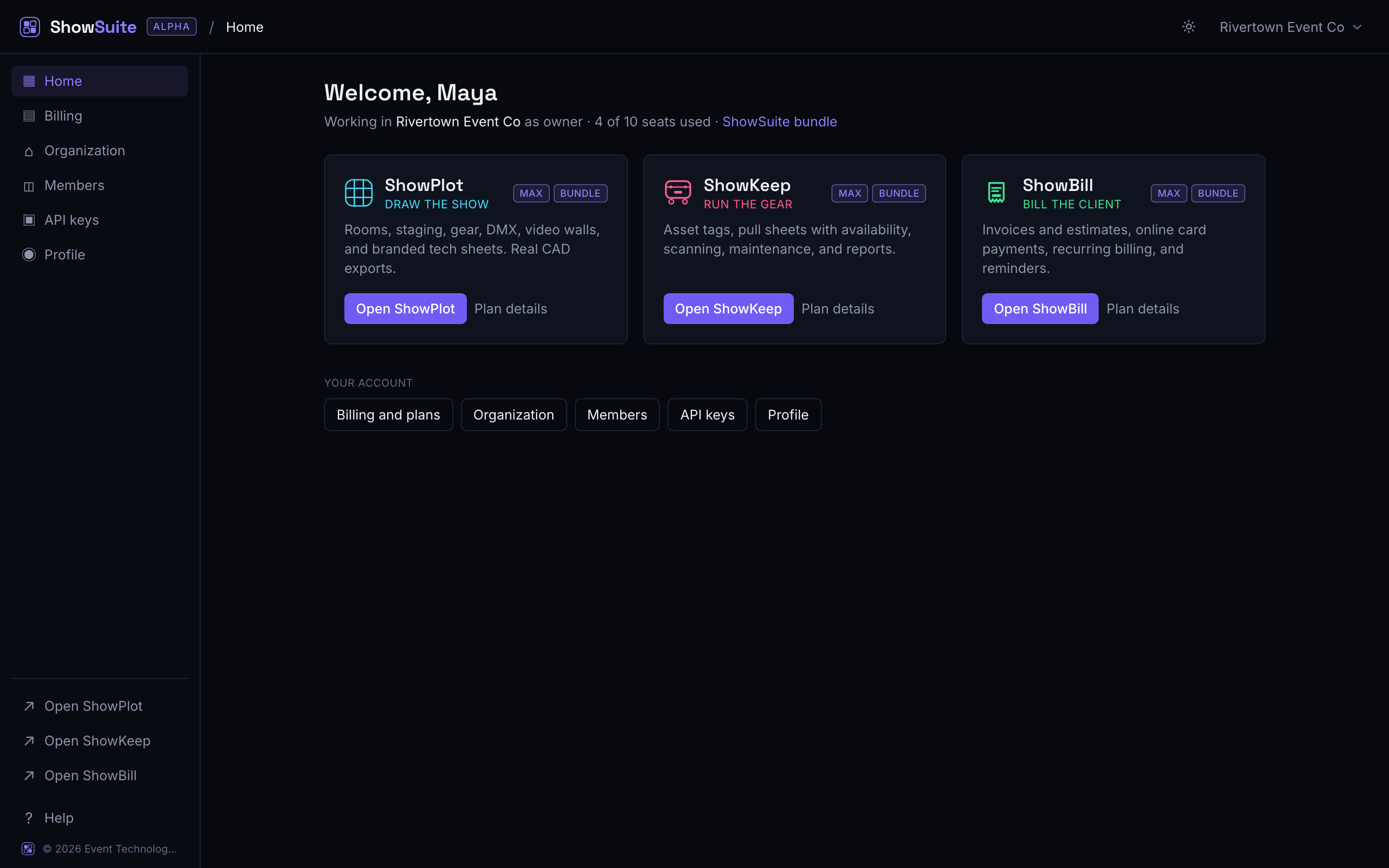
The account hub at account.showsuite.cc shows a launcher with the apps you can open. Each app shows your current plan for that app. Click one to open it. You will not be asked to sign in again.
Switching while you work
You do not have to return to the hub every time. Once you are signed in, opening any app URL in the same browser signs you straight through. Bookmark the apps you use most:
- ShowPlot: app.showplot.cc
- ShowKeep: app.showkeep.cc
- The account hub: account.showsuite.cc
Signing out
Signing out from the account hub signs you out of the shared session. For a shared or public computer, sign out from the hub when you are done.
Forgot your password
Use the "Forgot password" link on the sign-in screen. The reset works for your whole ShowSuite account, since there is only one login.
Next
- Invite your team
- One account across every app explains what happens behind the scenes.