Update your profile and password
Your personal details live under Profile on the account hub at account.showsuite.cc, separate from any one organization.
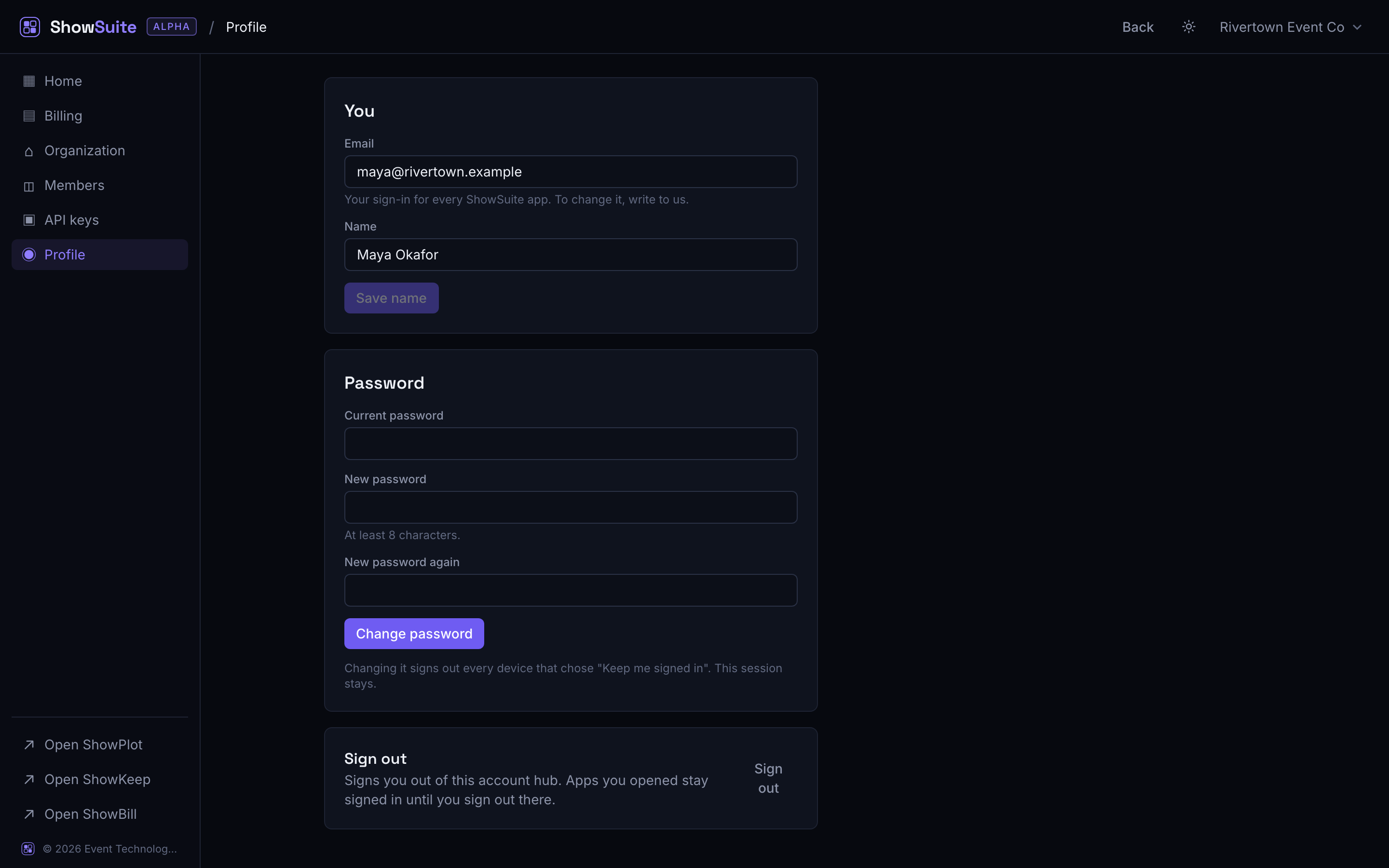
Your name
Open Profile and edit the Name field, then save. This is the display name shown to teammates across every app you use.
Your email
Your email is your sign-in for every ShowSuite app, so it is shown read-only on the Profile screen. To change it, contact us rather than editing it yourself.
Your password
Under Password, enter your current password and a new one (at least 8 characters) twice, then save.
Changing your password signs out every other device or browser that stayed signed in with "Keep me signed in". Your current session stays signed in. If you think your account was accessed without permission, change your password right away for exactly this reason.
Signing out
The Profile screen also has a Sign out button. It signs you out of the account hub's shared session. Any app you already opened stays signed in until you sign out there too, or until your session expires.
ShowSuite does not have a personal profile picture. If you want a logo on client-facing exports and invoices, that is your organization's logo, set under organization settings, see Your account and organizations.